
Android App
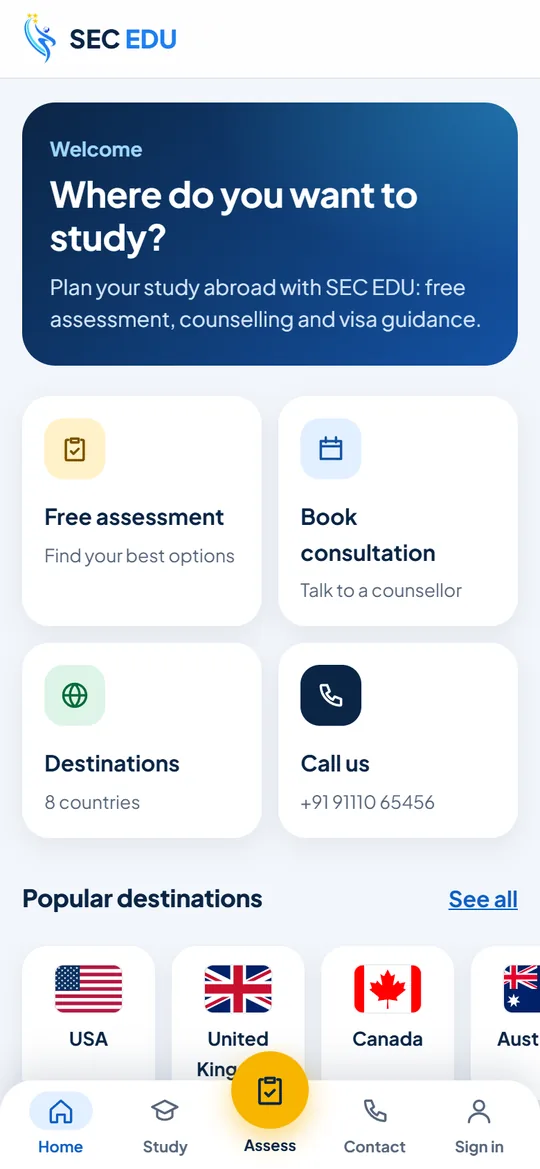
SEC Edu App For Android
Plan Your Study Abroad From Your Phone: Assessment, Consultation Booking And Your Enquiries In One Place.
Install In 3 Steps
Download
Tap Download For Android And Wait For It To Finish.
Open The File
Tap Open In The Download Message. If Your Phone Asks, Allow Your Browser To Install Apps.
Install And Open
Tap Install, Then Open, And Sign In To Follow Your Enquiries.
Apps From Outside The Play Store Always Ask You To Confirm. If Google Play Protect Shows A Message, Tap More Details And Then Install Anyway, Or Scan App And Then Install.
Need Help Installing?
Our Team Can Guide You On The Phone.
Questions
Is The App Safe?
Yes. It Is Signed By SEC Edu And Downloaded Only From secedu.net. It Only Asks For Internet Access (And Storage On Android 9 Or Older, To Save Downloads). File Checksum (SHA-256): eb084f7febfdde90cad714bf0ee696fbb45b479417815189c718041aed157ad6
App Not Installed / Install Blocked
- Allow Your Browser To Install Apps: When Android Asks, Turn On "Allow From This Source" For The Browser You Used To Download.
- On Samsung Phones, Switch Off Auto Blocker (Settings, Security And Privacy, Auto Blocker), Then Try Again.
- If An Older SEC Edu Copy Came From A Different Source (For Example Google Play), Uninstall It First, Then Install This One.
- Make Sure You Have At Least 100 MB Of Free Space.
- If Google Play Protect Shows A Message, Tap Scan App And Then Install.
Is It Free?
Yes. The App Is Free And Gives You The Same SEC Edu Services As The Website.
I Use An iPhone Or A Computer
There Is No iPhone App Yet. Everything Works In Your Browser At secedu.net.


